My Toolbox: A Project Management System
I believe effective project management tools should empower people - not overwhelm them. Many existing platforms are designed for large enterprises, packed with features that small teams and freelancers rarely need. This complexity often slows down rather than supports productivity.
To explore a better way, I designed and developed a streamlined Project Management System (PMS). My goal was to create a tool that reflects my project management philosophy: simplicity, usability, and practical value.
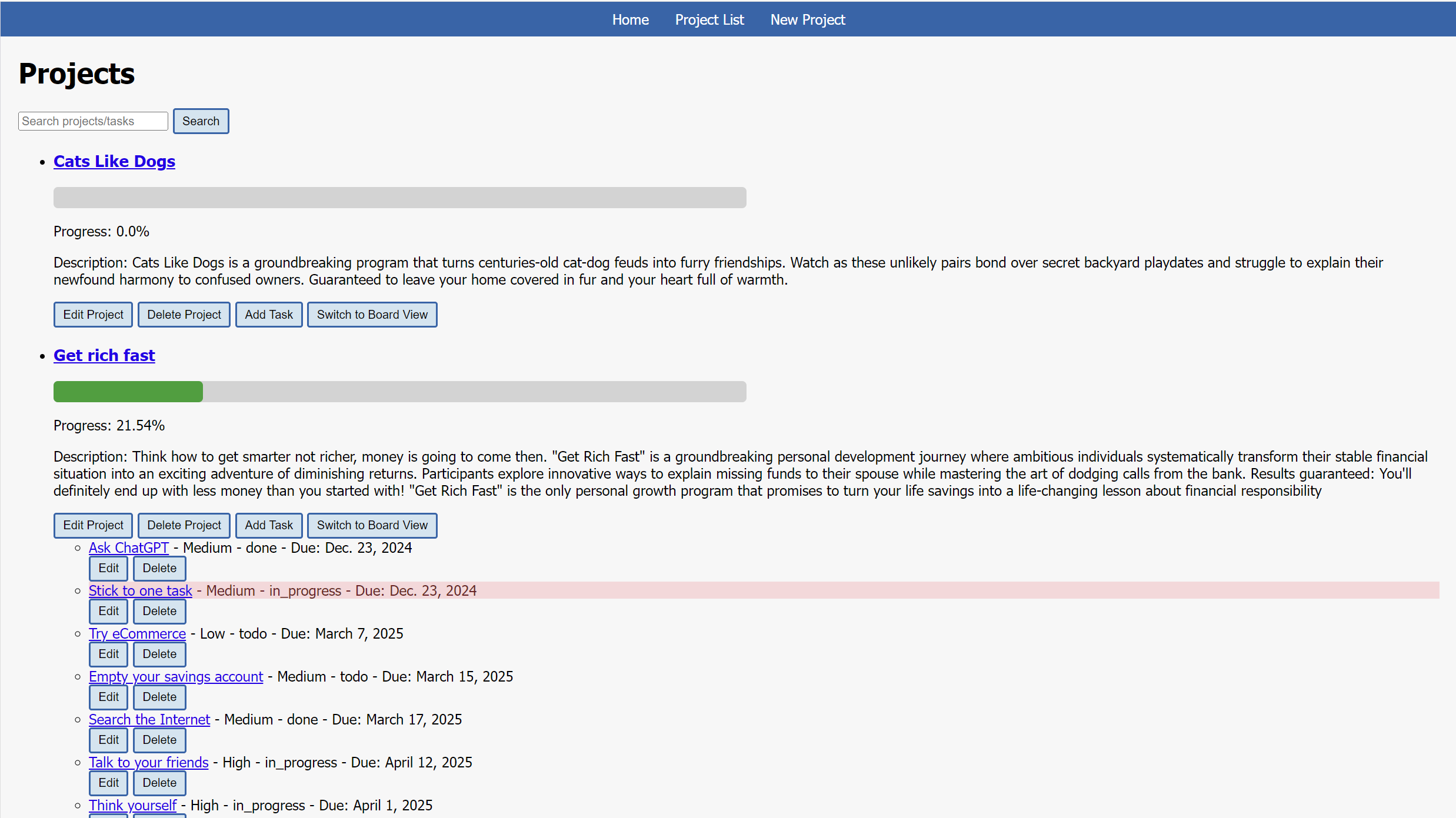
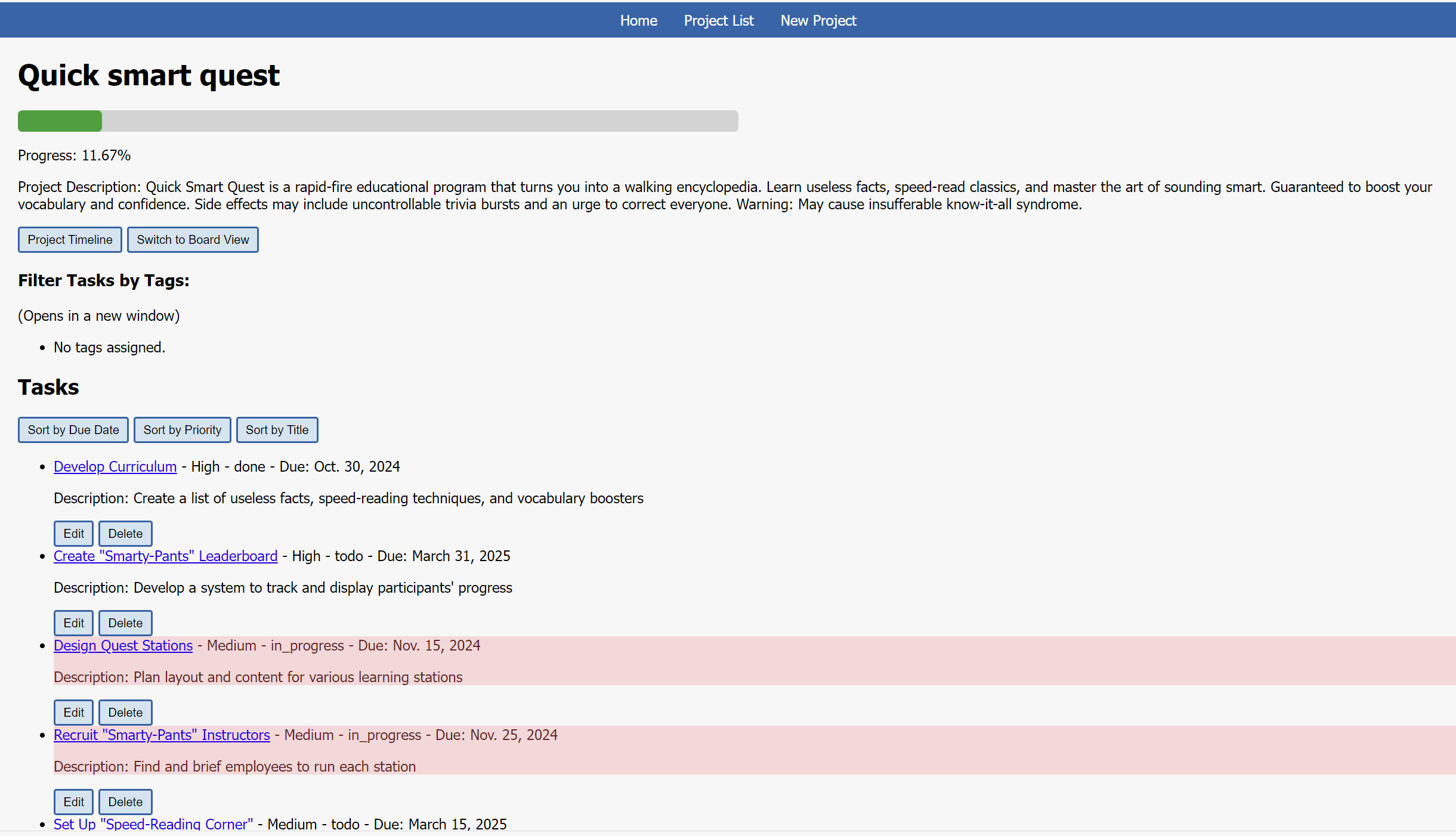
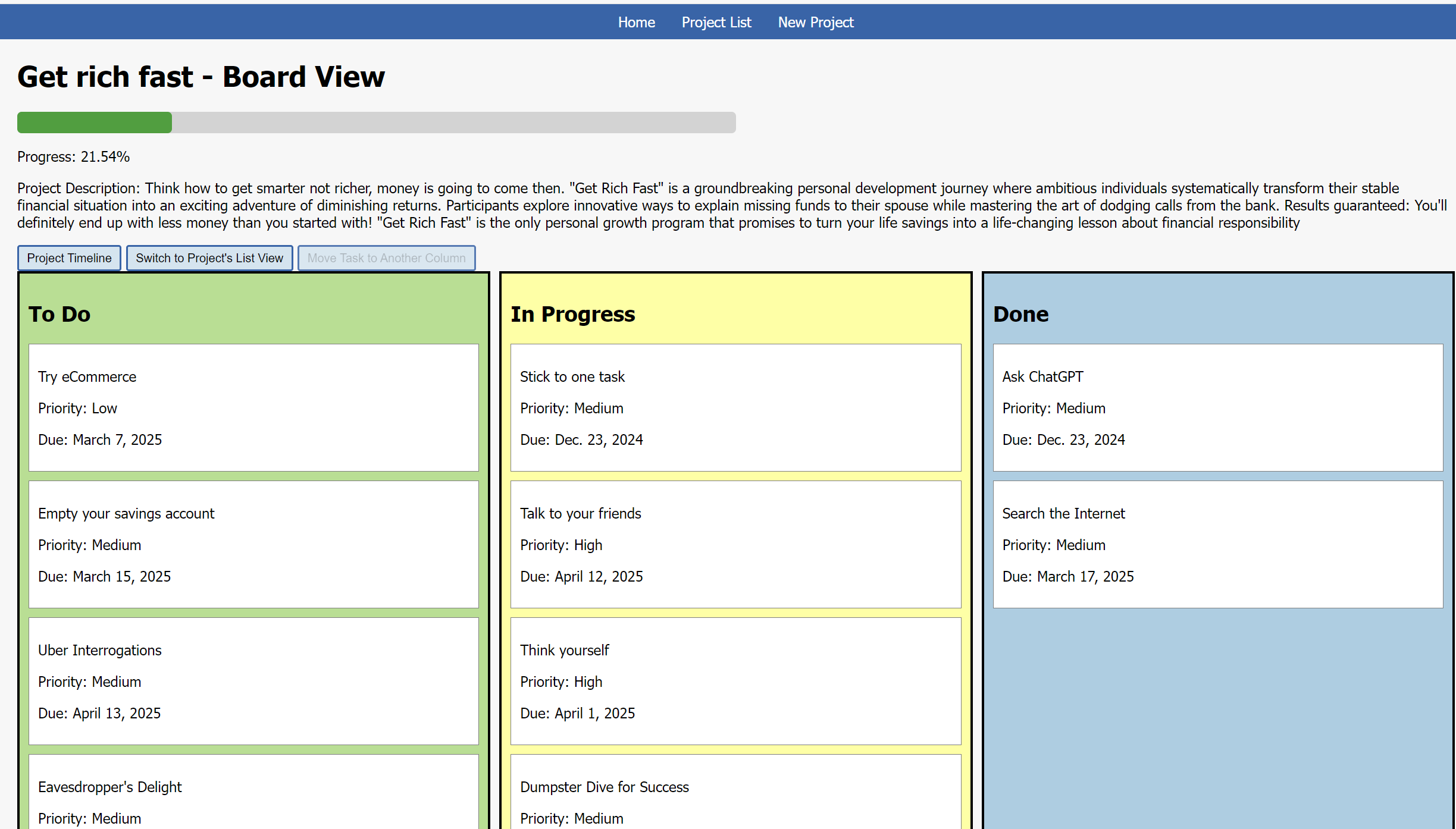
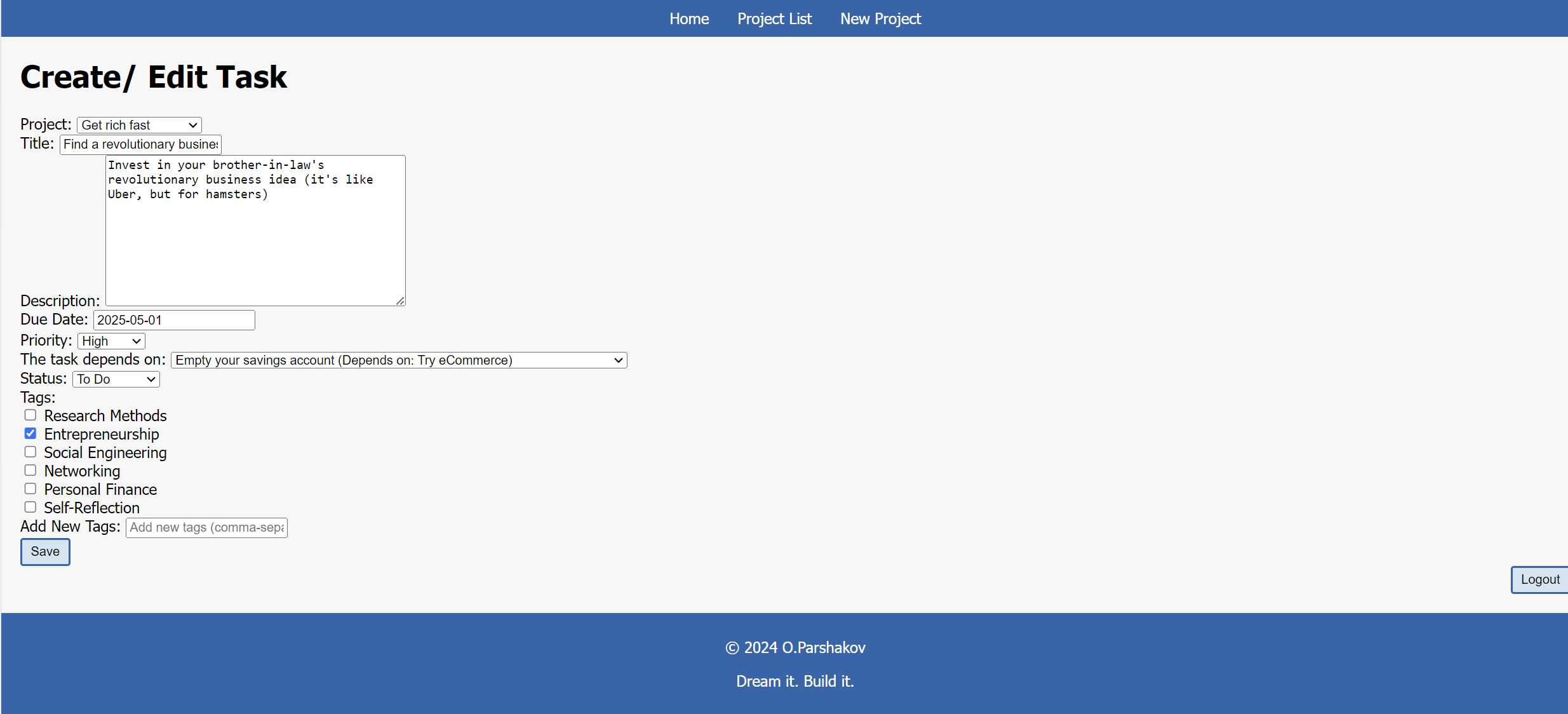
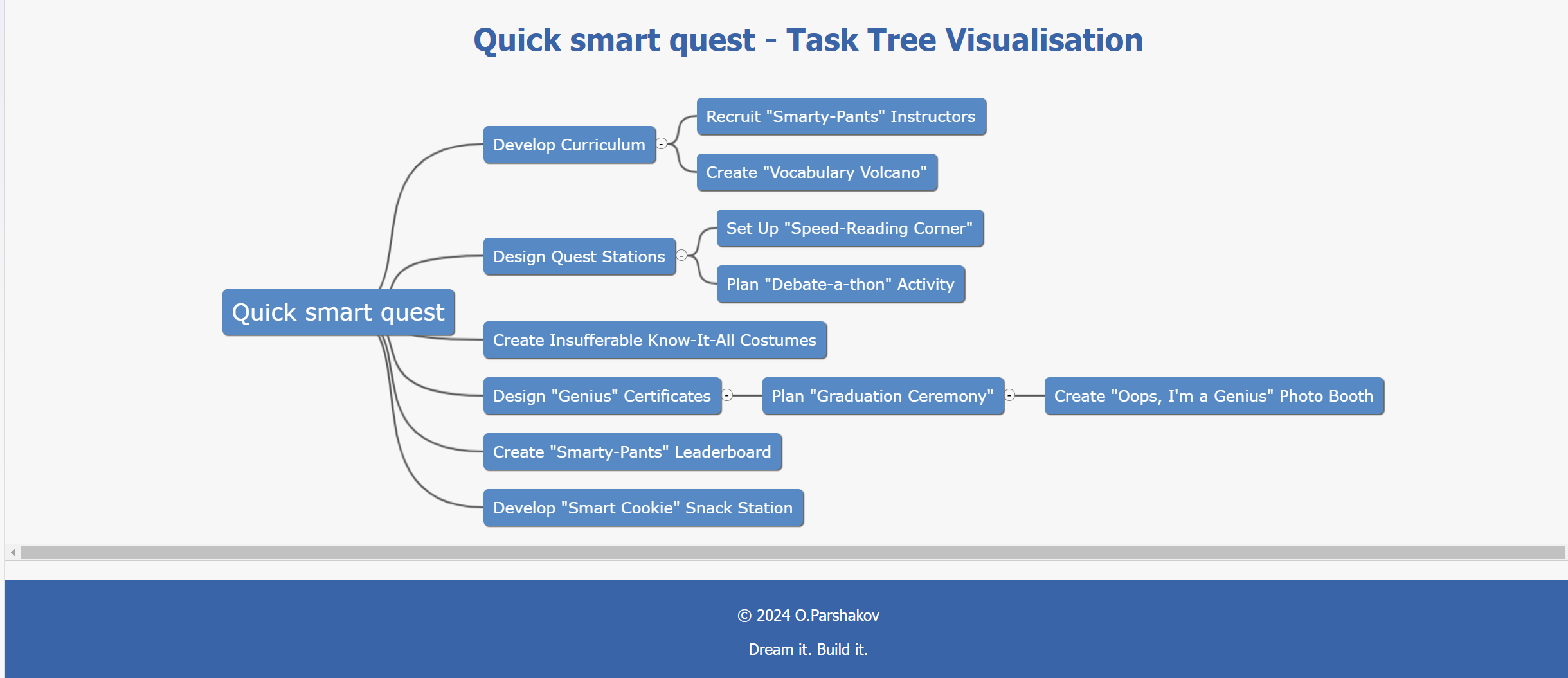
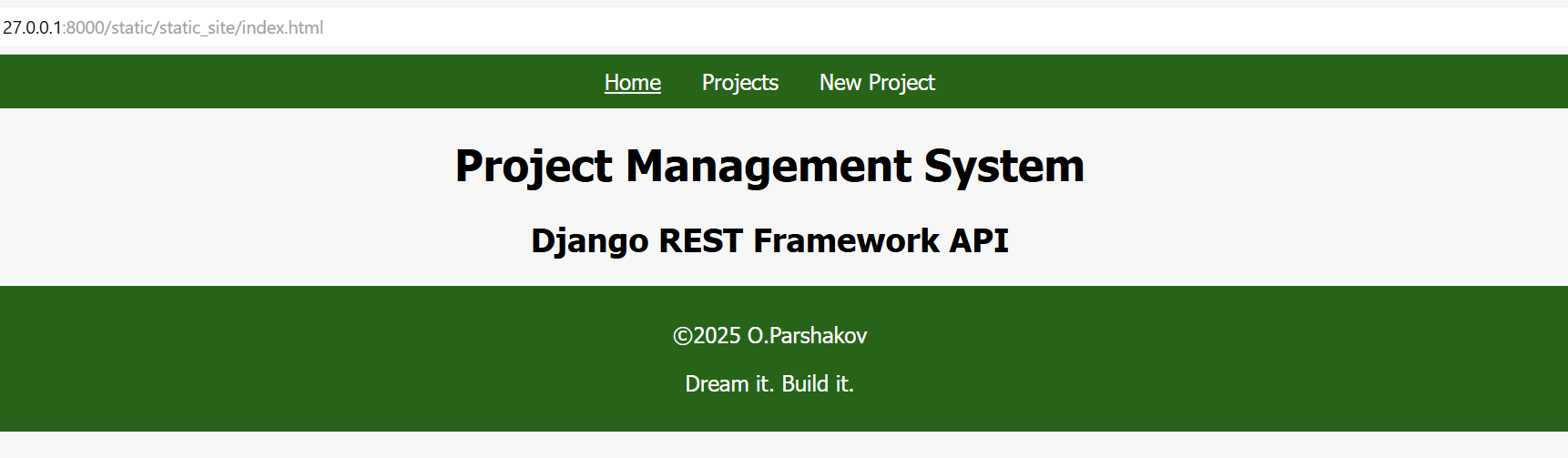
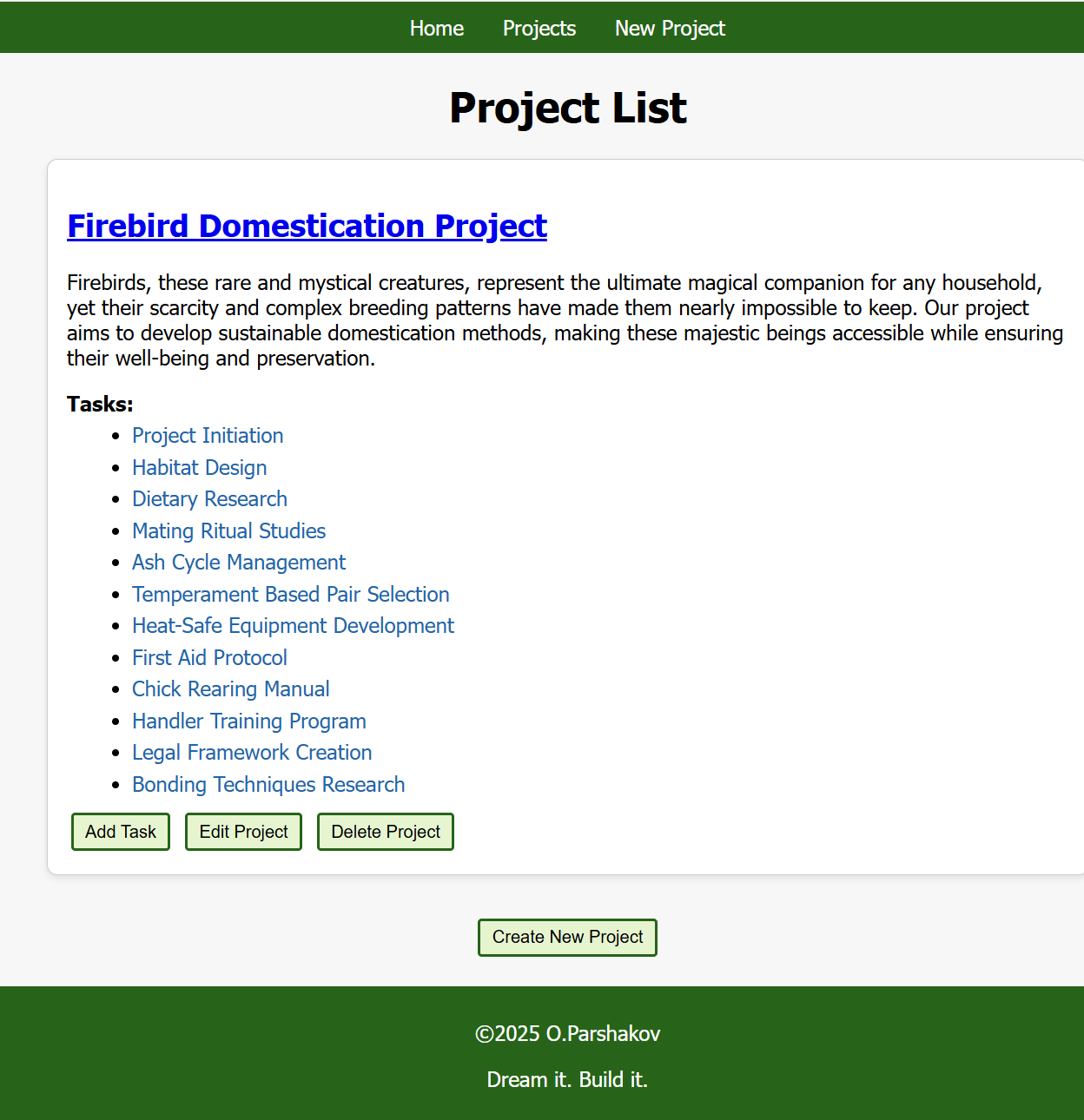
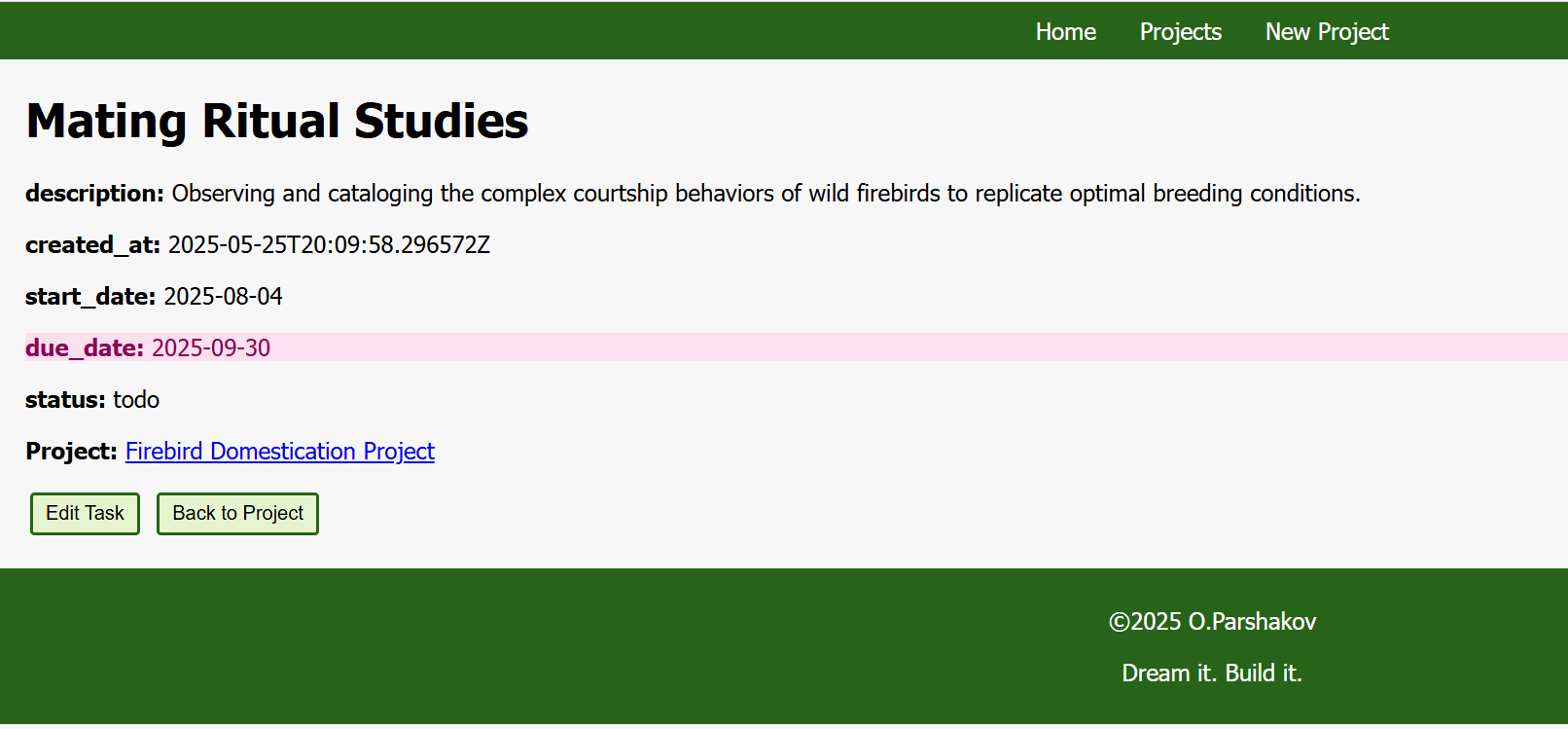
Click on an image to enlarge it.
Problem
While there are many capable free project management tools available, like Trello or Asana, I wanted to explore a fundamental question: What would a project management system look like if I designed it from scratch to embody my own philosophy? This became an exercise in creating a free alternative that translates my core beliefs into a working system.
Solution
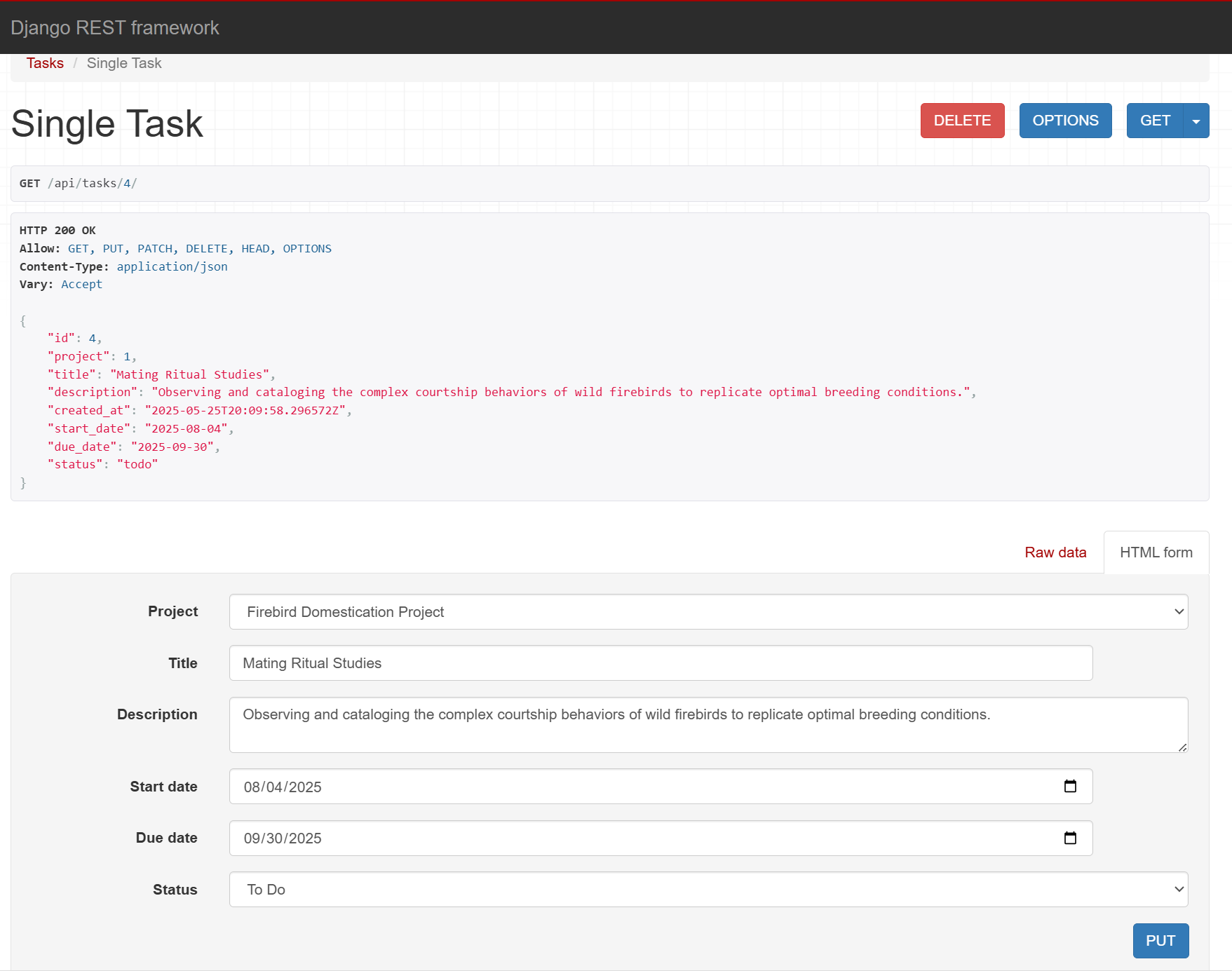
I built a lightweight Project Management System using Django that strips away unnecessary complexity while keeping essential functionality. The system provides intuitive task and project management with dual viewing options (list and board views), task prioritisation, keyword search, and tag-based filtering - delivering exactly what small teams need without the bloat.
Impact
By stripping away unnecessary complexity, this system demonstrates how thoughtful design can improve workflows, encourage adoption, and keep projects on track. It embodies the principle that the right tool is not the one with the most features, but the one that best supports the team’s goals.
To take the project further, I applied a replatforming strategy (“lift, tinker, and shift”) to migrate the system onto AWS. This approach ensured the tool could scale more reliably and benefit from cloud infrastructure. The live demo was decommissioned in November 2025 to conclude the project's AWS Free Tier phase. The full source code is still available for review here: https://github.com/lzrdGreen/api-pms/
Link to Live Demo
Tip: Wait 2s & Reload if you see a confusing message like "Something went wrong while trying to load this site". Actually, nothing went wrong. The hosting provider is free so they hybernate the website if unused. Please be patient and sorry for the inconvenience.
Self-Hosting Option
For a more in-depth look, the full source code for this project is available on GitHub. You can set up the application on your local machine by cloning the repository and following the setup instructions.
GitHub Repository: https://github.com/lzrdGreen/pms
Core Project Management Tools
Scheduling and Work Management Software:
-
Trello: An intuitive, card-based work management tool designed for rapid task tracking and visual organisation. Built around a Kanban-first model, it emphasises immediate visibility into work status without introducing complex data structures or configuration overhead. As a result, it is well suited to teams that prioritise ease of adoption, transparency, and quick setup over advanced workflow logic or analytical reporting.
-
Asana: Asana is a comprehensive work management platform designed to connect high-level objectives with day-to-day execution. It provides multiple structured views (including List, Timeline, and Portfolio) that enable teams to manage dependencies, monitor capacity, and coordinate work across functions. This makes Asana particularly effective for organisations overseeing diverse initiatives that require planning rigour beyond a simple task board.
-
Jira: A powerful, highly configurable project management platform built specifically to support Agile frameworks like Scrum and Kanban at enterprise scale. Jira distinguishes itself through robust issue-tracking capabilities and deeply customisable workflows, establishing it as a de facto standard for software development teams and technical organisations. While it presents a steeper learning curve than alternatives like Trello or Asana, Jira excels at managing complex project hierarchies, granular permission schemes, and sophisticated reporting (including velocity charts and cumulative flow diagrams) that enable data-driven decision-making for engineering leadership.
-
Monday.com: A highly flexible work management platform distinguished by its vibrant, intuitive interface and no-code approach to workflow building. Monday.com positions itself as a comprehensive "Work OS," enabling teams to transform a single board from a simple task list into a CRM, creative production tracker, or HR pipeline without technical expertise. While Asana emphasises task dependencies and Jira focuses on technical Agile workflows, Monday.com excels at delivering high-level operational visibility through colourful, data-rich dashboards and an extensive library of pre-built automation "recipes" that require zero coding knowledge.
These tools typically serve as a centralised source of truth for non-technical or cross-functional teams, promoting transparency and accountability through accessible interfaces. They occupy the middle ground between lightweight task trackers and fully featured project management systems, balancing usability with organisational oversight.
GitHub-Native Tools:
-
GitHub Projects
-
The Built-in "Blank Canvas": GitHub Projects is a fast, free, and highly flexible planning tool that functions as a hybrid between a spreadsheet-style database and a Kanban board. Because it is fully native to GitHub, it requires no additional setup, integrations, or browser extensions, making it the most cost-effective option for teams already operating within the GitHub ecosystem.
-
Manual but Highly Customisable GitHub Projects supports basic Agile constructs such as iterations (sprints), custom fields, and multiple views (table, board, roadmap). However, it does not enforce or automate Agile ceremonies. Instead, it favours flexibility: teams can design their own workflows and automation using GitHub Actions rather than adopting a predefined methodology.
-
Both Issues and GitHub Projects: https://github.com/features/issues
-
-
ZenHub
-
The Automated Agile Specialist: ZenHub acts as a dedicated “Agile layer” on top of GitHub, adding opinionated, professional-grade tooling such as Epics, automated sprint planning, and Planning Poker. Its design emphasises reducing project-management overhead by automating common Scrum and Kanban workflows directly within GitHub issues and pull requests.
-
Superior Multi-Repository Oversight: ZenHub excels in cross-repository and cross-organisation visibility through its Workspace model, which aggregates issues from multiple repositories into a single operational view. Its reporting suite (including velocity tracking and burndown charts) is purpose-built for engineering managers who require consistent, data-driven insight into team performance.
-
ZenHub Official Website: https://www.zenhub.com
-
GitHub Projects is best suited for teams seeking a lightweight, no-frills way to organise work while remaining entirely within the native GitHub experience. ZenHub is the better choice for high-growth startups or enterprises that need structured Agile discipline, cross-repository visibility, and automated reporting to manage complex software delivery.
At a high level, GitHub Projects treats Agile as a configurable workflow, while ZenHub treats Agile as a dedicated framework.
Productivity Tools:
-
Word Processors (e.g., Microsoft Word, Google Docs): These are used for creating project documentation, such as project charters, status reports, and meeting agendas
-
Spreadsheets (e.g., Microsoft Excel, Google Sheets): Useful for tracking budgets, schedules, and creating various project-related charts, including RACI charts and risk registers
-
NotebookLM: An AI-powered research and synthesis assistant that functions as a "virtual project partner" grounded in your team's specific documents and data. By uploading project charters, technical specifications, and meeting transcripts, project managers can leverage NotebookLM to quickly identify information gaps, synthesise complex stakeholder requirements, or generate targeted briefing notes. Unlike general-purpose AI chatbots, it provides grounded responses with direct citations to uploaded source materials, making it invaluable for maintaining project context and cutting through information overload. Beyond basic summarisation, NotebookLM offers an expanding toolkit that includes Audio Overviews (AI-generated podcasts), interactive Mind Maps for visual learning, and customisable Flashcards and Quizzes to help team members actively learn and retain project information.
Atlassian Confluence: Serves as the authoritative Single Source of Truth (SSOT) for project documentation - a structured wiki for long-term knowledge retention. It organises project charters, technical manuals, and team insights into Spaces and Pages, supplemented by Databases for structured data and Whiteboards for visual collaboration. Its primary strength is deep integration with Jira, enabling seamless requirements management by converting documentation into traceable tasks and embedding real-time status reports directly into pages. This ensures bidirectional traceability between high-level planning and technical execution. For teams using AI-assisted workflows, Confluence documents can be uploaded to NotebookLM to synthesise feedback or identify gaps, with insights cycled back to maintain current project context. Granular access controls and integrations with Slack and Trello ensure the ecosystem remains secure yet embedded in daily workflows.
-
Notion: An all-in-one workspace that blurs the boundary between documentation and project management. Through flexible, interconnected databases, Notion enables teams to host project boards (Kanban, Timeline, Calendar) directly alongside meeting notes, strategy documents, and company wikis - creating a unified knowledge base. It's the ideal choice for knowledge-driven organizations seeking a single "digital brain," though its open-ended structure demands more manual setup and organisational discipline than opinionated tools like Jira or Asana.
Collaboration Tools:
-
Email: A primary means of communication for sharing updates, documents, and coordinating with stakeholders
-
Project Chats (e.g., Slack, Microsoft Teams): Facilitate real-time communication and collaboration among team members, making it easier to discuss project-related issues and share information quickly
The benefits of integrating project management tools:
Improved Communication and Transparency:
-
Integrating tools like Slack or MS Teams with Asana or Trello facilitates a seamless flow of information
-
Real-time notifications about task updates and comments help keep everyone informed, reducing reliance on lengthy emails and ensuring alignment among team members
Enhanced Efficiency and Productivity: Linking project documents and data to specific tasks allows team members to access necessary resources immediately, streamlining workflows and reducing time spent searching for information.
Better Decision-Making: Access to crucial data regarding resource allocation, risk management, and issue resolution empowers project managers and team members to make informed decisions quickly, ultimately leading to better project outcomes.
The effective use of tools can significantly enhance collaboration and overall project success.